
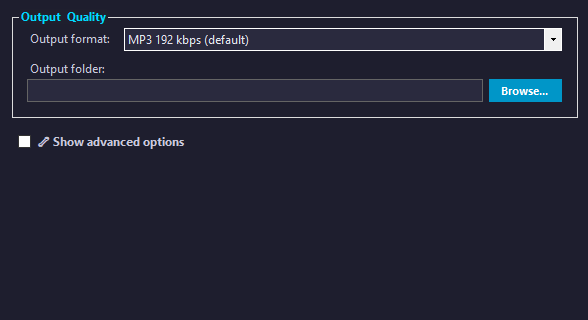
How to Remove Vocals from an MP4 Music Video
Learn how to remove the singer’s voice from a music video and create a karaoke version using Kanto Vocal Remover.
If you have a music video and want to remove vocals to create a karaoke version, you’re in the right place.
With Kanto Vocal Remover, you can process both audio and video files and automatically generate a new video with the vocals removed or reduced.
The software extracts the audio from your video, removes the voice using advanced vocal separation technology, and then rebuilds the video with the processed audio — all in just a few clicks.
What is Kanto Vocal Remover?
Kanto Vocal Remover is a powerful software designed to separate vocals from music tracks.
It allows you to remove the singer’s voice from songs and videos, creating instrumental versions ideal for karaoke, practice, or music production.
Why Remove Vocals from a Video?
- Create karaoke videos from original music clips
- Practice singing with the original video
- Get instrumental versions of your favorite songs
- Prepare music for events or performances
- Reduce or isolate vocals for editing
How It Works
When you load a video file (such as MP4), Kanto Vocal Remover performs the following steps:
- Extracts the audio track from the video
- Applies vocal removal using AI-based separation
- Creates a processed audio track (instrumental)
- Rebuilds the video using the new audio
The result is a new video file with the same visuals but without the original vocals.
Step-by-Step Guide

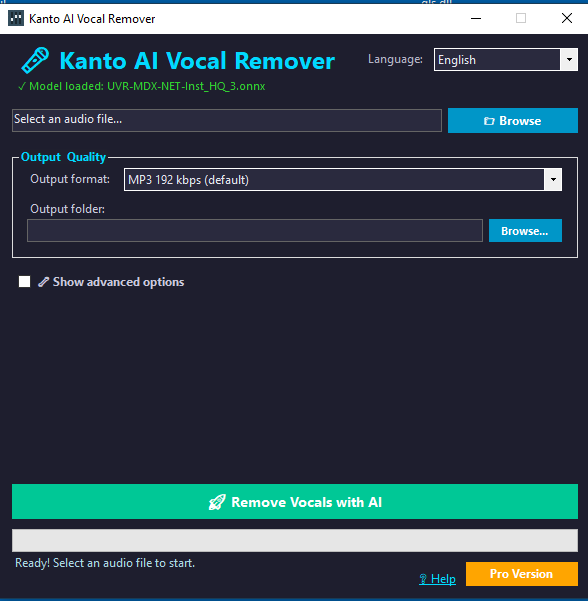
1. Launch Kanto Vocal Remover
Open the software on your PC.
2. Import your MP4 video
Select your music video file from your computer.
3. Choose vocal removal
Select the option to remove or reduce vocals.
4. Start processing
The program will extract audio, process it, and rebuild the video.
5. Export the final video
Save the new MP4 file with vocals removed.
Download Kanto Vocal Remover
Try the free demo version:
Download for WindowsCompatible with Windows 11 / 10 / 8.1 / 8
The demo version has some limitations.
To unlock all features, purchase the full version here.
Tips for Better Results
- Use high-quality video files for better audio separation
- Results may vary depending on the original mix
- Test output with headphones and speakers
Conclusion
Kanto Vocal Remover is one of the easiest ways to remove vocals from an MP4 music video and create a karaoke version.
With just a few steps, you can transform any music video into an instrumental video ready for singing or practice.


