
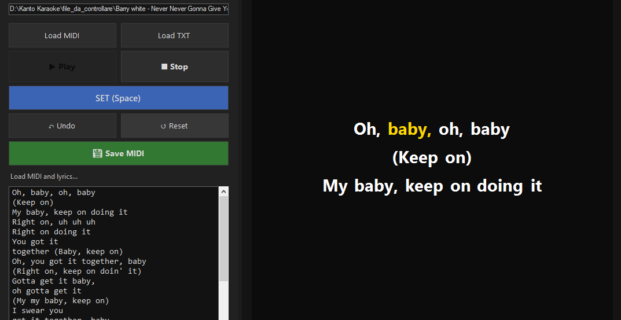
I want to add lyrics to an existing MIDI file, how can I do this? How is it possible to synchronize lyrics to a midi file? Is there a software able to add lyrics to a midi file to create a karaoke file?
The best answer to all these questions is KANTO MIDI SYNC
Thanks to this app yu’ll be able to add lyrics to midi and create professional midi-karaoke files. If you have downloaded free midi songs from Midiworld.com, now you can add lyrics to the midi files and create beautiful karaoke songs (with lyrics) in MIDI format!.
If you want to syncronize Midi files and create in output MP3 or VIDEO Karaoke files, we suggest you to try the KANTO SYNCRO app.
How to Add Lyrics to Midi
Step 1. Download and install Kanto Midi Sync
Download now the free trial version:

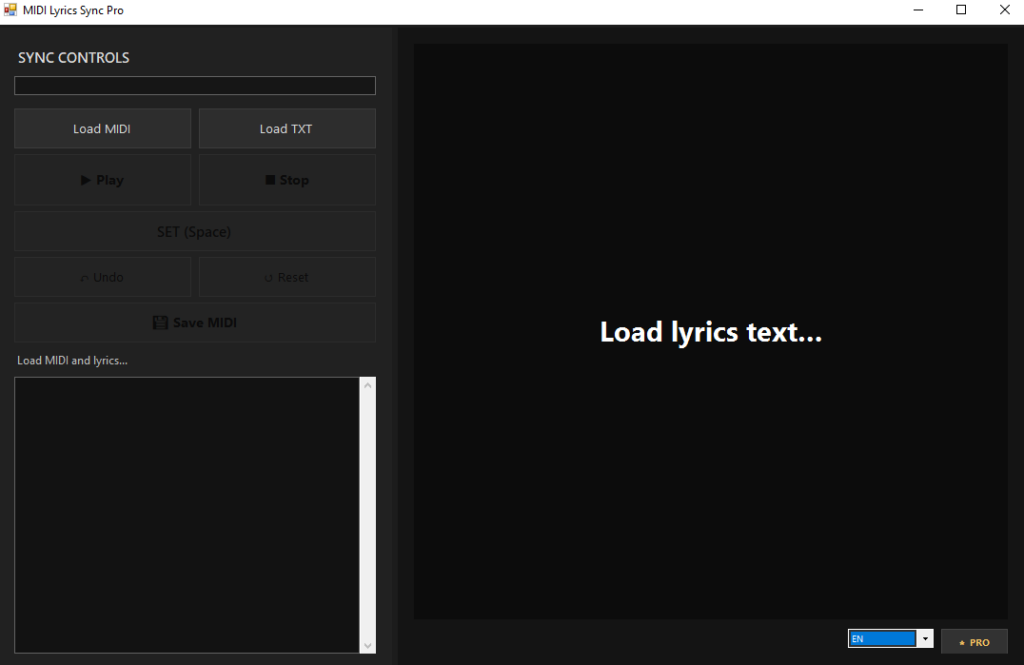
Run Kanto Midi Sync on your PC (Windows 11/10 supported too). This is the main screen you’ll see:
Step 2. Import Lyrics and Midi
-
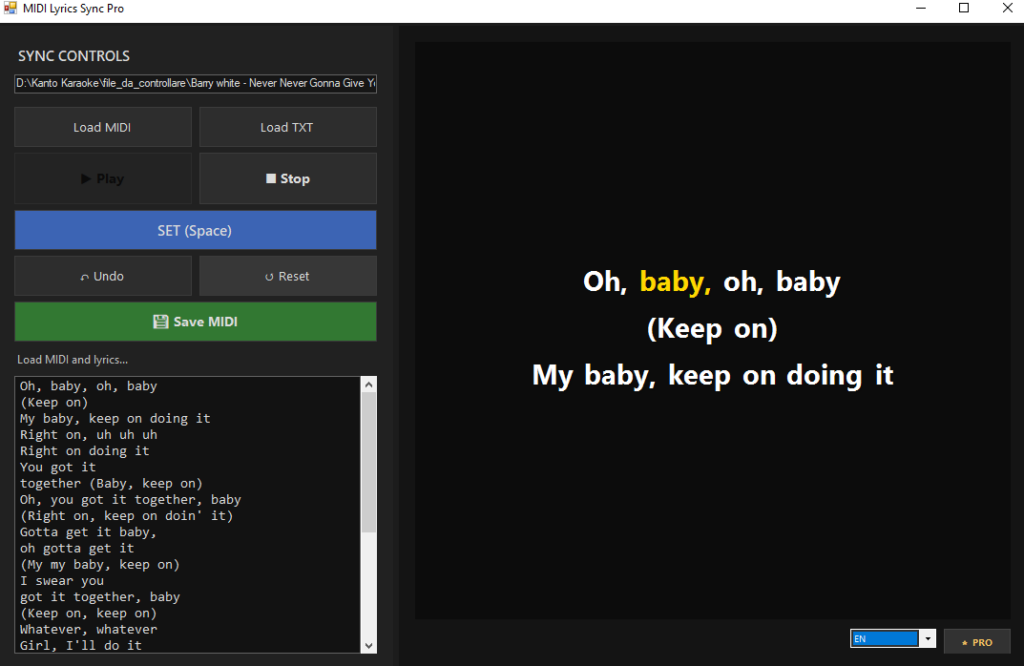
Click on “Load MIDI”
Load your.MIDor.KARfile. -
Click on “Load TXT” to import lyrics
Select a text file containing the song lyrics.
You can also copy and paste the lyrics directly into the textbox.
Line breaks in the text will be preserved. - Press “Play”
Start MIDI playback. The song will play using the standard Windows MIDI output. - Sync lyrics using “SET” or the Space key
While the music plays, press SET (or Space) on each word exactly when it should appear.
-
Use “Undo” or “Reset” if needed
-
Undo removes the last synced word
-
Reset clears all synced words and lets you start again
-
-
Click “Save MIDI”
Export a new MIDI file with lyrics synced word by word. -
Test the result in a karaoke player
Open the saved file in your preferred karaoke player to verify timing and display.
NB: With the free trial (“unregistered” version) . To remove this limit you need to purchase the program.
You could be intrested also in this guide: how to add lyrics to MP3 file and create mp3-karaoke songs


Why can’t you save the file on midi format ? I need this to be possible if i am to buy this app. Thanks
Now the software is able to save in midi file format!
Agree… I too would buy this If I could save as a midi file to use on
Yamaha keyboards.
Now the software is able to save in midi format
This program will not even save as a KAR file? I need to add lyrics to my Midi backing tracks.
Yes, now the software is able to save in midi format
I would like to buy this application if it can save to midi format
Yes, now the software is able to save in midi format